Enable HP AI for print in the HP Smart app
Printing friction slows work, pulls focus away from priorities, and creates unnecessary interruptions. This video shows how AI-powered features built into the HP Smart app enhance the printing experience by adding intelligence, automation, and simplicity to everyday tasks. Watch the video to see how HP AI helps workflow more smoothly, then reach out to ViewTech Group to discuss how smarter print experiences fit into your broader workplace strategy.
What is the current playback status?
The current playback status shows that you are currently behind the live point of the stream. It indicates that the stream is live, but you may need to seek to catch up to the live broadcast.
How can I adjust caption settings?
You can access the caption settings dialog to customize your caption preferences. This allows you to turn captions on or off and adjust their appearance according to your needs.
What are the text customization options available?
You can customize text color, background color, transparency, font size, and font family. These options help you personalize your viewing experience to better suit your preferences.
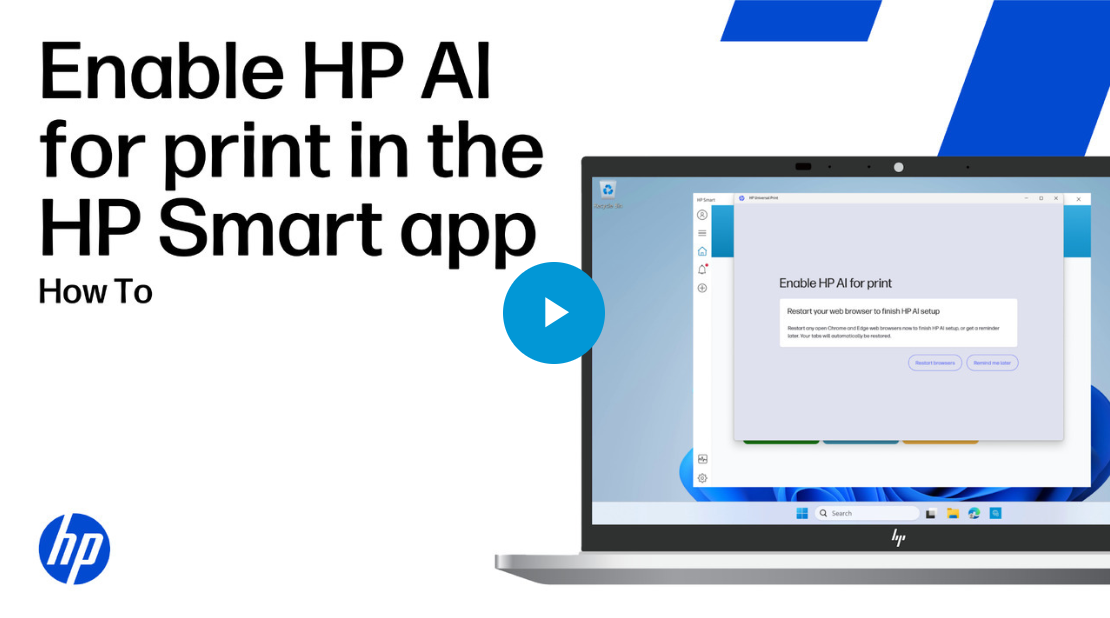
Enable HP AI for print in the HP Smart app
published by ViewTech Group
ViewTech Group specializes in Business Intelligence consulting, software implementation and ongoing maintenance, creative content, and technical support. We can also provide value add services to take advantage of your data through comprehensive digital signage solutions, including integrated design, hardware procurement and installation. ViewTech brings together industry leaders from a variety of industries including information technology, healthcare, higher education, finance, and marketing. We look forward to developing a comprehensive plan to turn your goals into reality!
ViewTech is a 100% women-owned business with WBE, HUB, and SLBE designations, allowing organizations to support diversity goals.




 Sign in with LinkedIn